
GAUGE & GEAR FOR ANDROID
A little closer.
Wherever you are.
Your shared signals, favorite styles and a little more connection. Right on your phone.
- Set your dial. See your partner’s.
- Keep a gauge on your home screen.
- Works with or without a physical meter.
Preview app · Install directly from this website.
On iPhone or prefer your browser? Open the web app ↗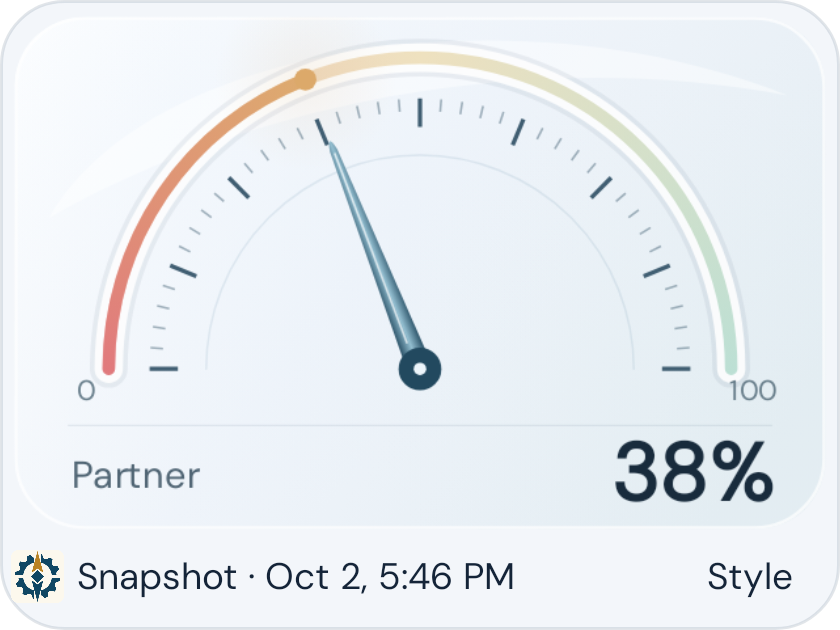
Home-screen widget · choose your gauge and style
A MINUTE TO MAKE IT YOURS
From download
to your first dial.
Already have the app? Install this version over it to keep your settings.
Download the APK
Tap the download button on your Android phone, then open the file from your browser’s downloads.
Allow this installation
If Android asks, open Settings and allow your browser to install this app. Install Gauge & Gear, then turn that permission back off. Keep Play Protect enabled.
Make yourself at home
Open Gauge & Gear and sign in with your existing account, or create one. Your saved gauges will be there.
A few helpful details.
What is an APK?
It’s the Android app’s installation file. This preview is distributed directly here, rather than through Google Play. It won’t install on an iPhone, iPad or Windows PC; use the web app on those devices.
How do I add a home-screen widget?
After signing in, touch and hold an empty space on your Android home screen, choose Widgets, then find Gauge & Gear. Add a widget and choose the gauge and style you want.
How do updates work?
For this preview, download newer versions from this page and install them over the existing app. Updates are not installed automatically. If Android reports a conflict, keep your existing app installed and check that you downloaded the file from this page.
Do I need a physical gauge?
No. Create a digital gauge in the app and invite your partner. An account and internet connection are needed to save and share signals. A physical meter is optional.
The download didn’t start
Try the direct APK link in Chrome on your Android phone. Check your Downloads folder before tapping again.